
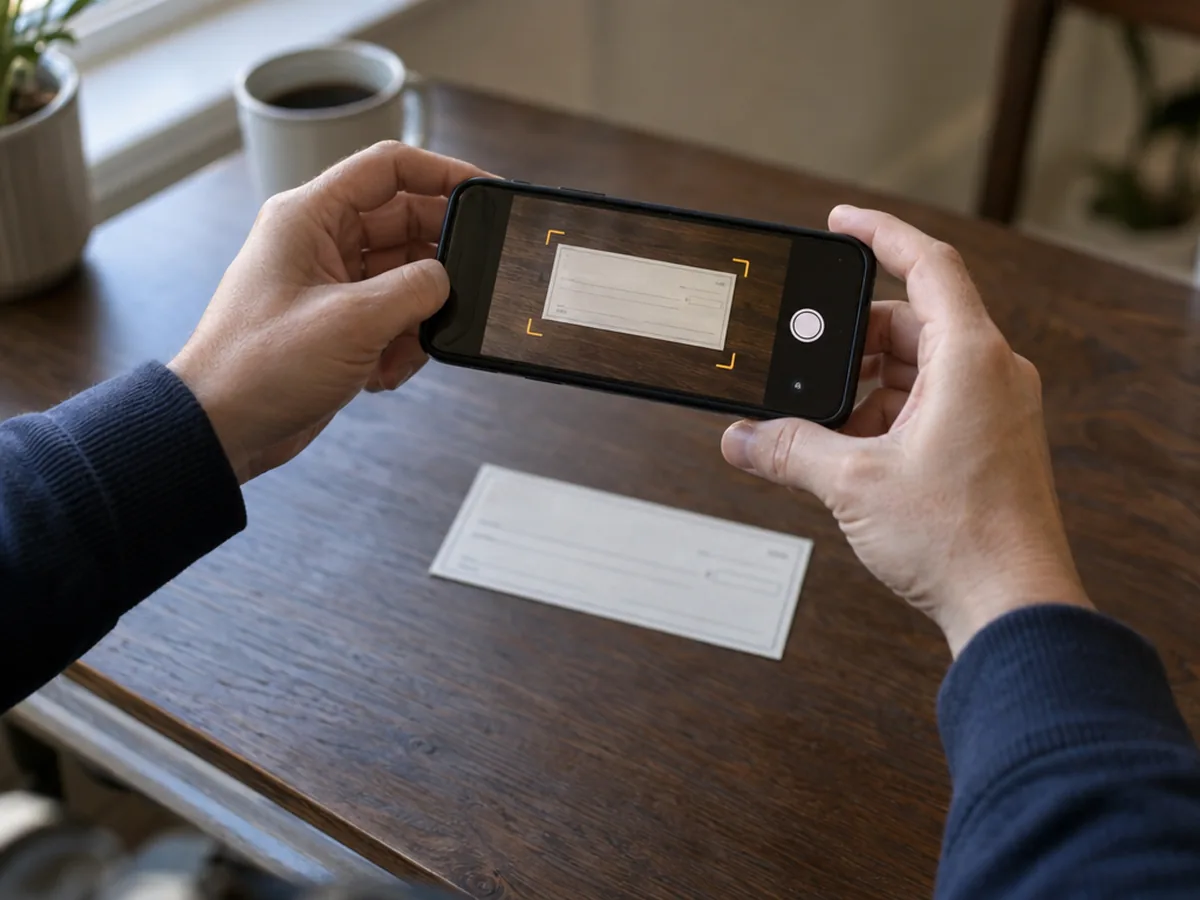
Step by step: how to deposit a check with your phone
1. Check the check
Make sure it's made out to you, dated (not in the future), signed by the writer, and that the amount in numbers matches the amount in words. Most banks won't accept mobile deposits of checks made out to someone else, foreign checks or some other check types. Your bank's mobile deposit terms list what's excluded.
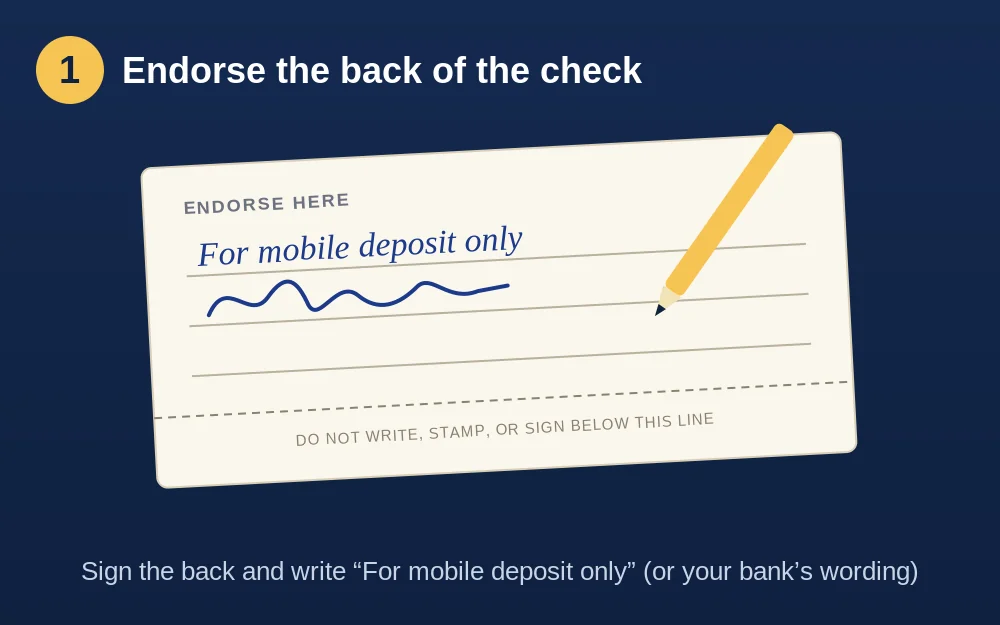
2. Endorse the back
Sign the back of the check in the endorsement area and write “For mobile deposit only” under your signature. Many banks want the exact wording they publish, sometimes with the bank's name (for example “For mobile deposit only at [Your Bank]”) or a box to tick. A missing or wrong endorsement is one of the most common reasons a mobile deposit is rejected. The words also protect you: they stop someone from cashing the same paper check somewhere else.
3. Open your bank's app and choose Deposit
Pick the account the money should go to and type the check amount exactly as written.
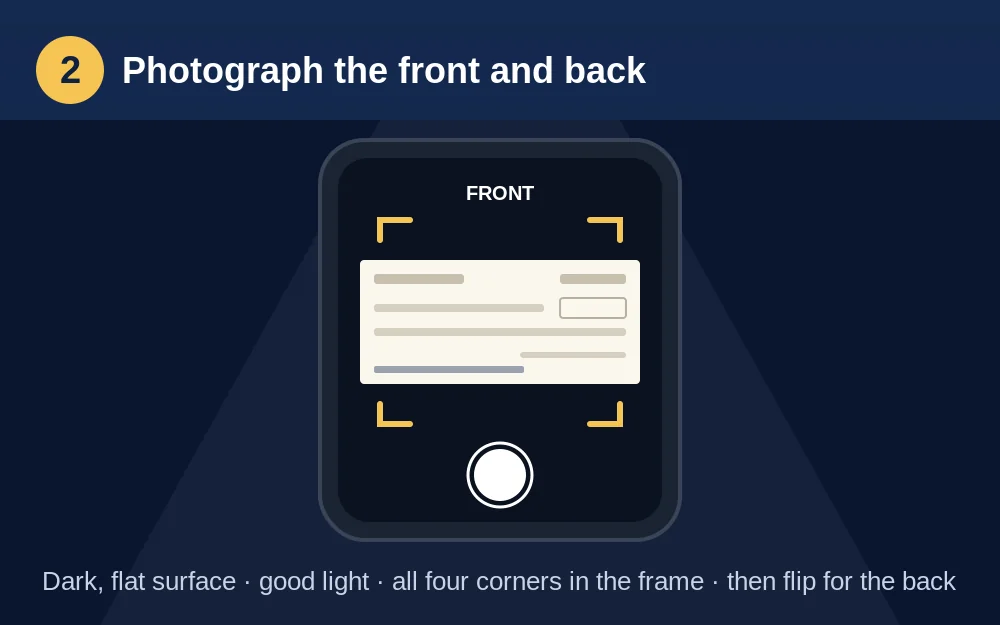
4. Photograph the front and back
- Put the check on a dark, plain surface (a dark table or folder) so the app can find the edges.
- Use good, even light without shadows or glare. Daylight from a window is ideal; turn off the flash if it causes a bright spot.
- Hold the phone flat above the check and let the app capture it. All four corners must be visible and the MICR line (the numbers along the bottom) must be sharp.
- Flip it over and photograph the endorsed back the same way.
5. Submit before the cutoff time
Every bank sets a mobile deposit cutoff. Deposits made after it, or on a weekend or holiday, count as the next business day's deposit. Cutoffs vary from early afternoon to late evening; see check clearing times by bank for your bank's published cutoff.
6. Watch for the confirmation and any hold notice
You'll usually get a “received” message right away and an “accepted” message (or email) once the bank reviews it. If the bank holds part of the money longer, it must tell you how much and when it will be available. Read how long a check takes to clear for the federal rules.
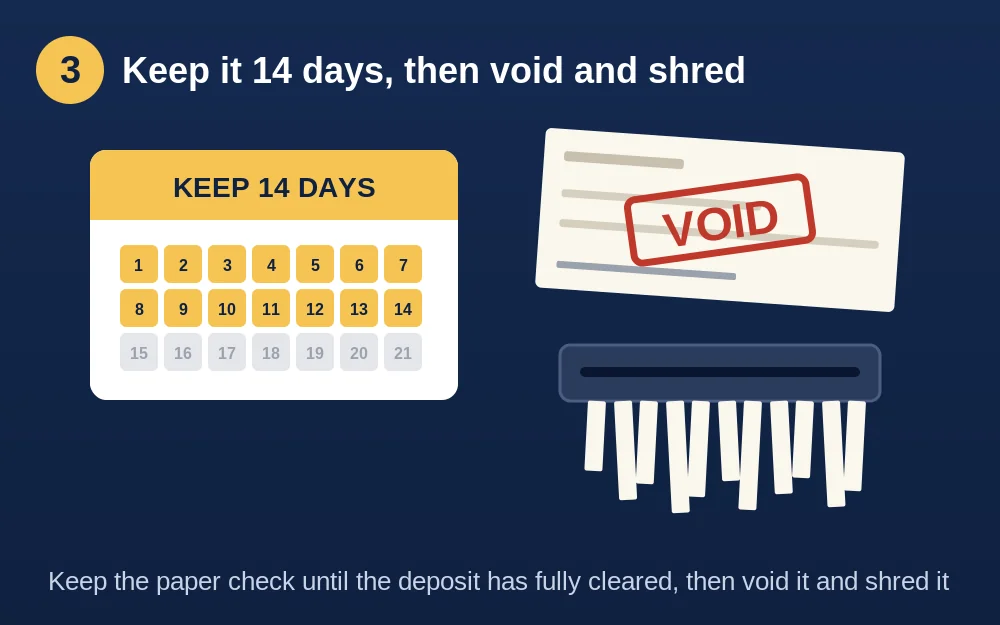
7. Keep the paper check, then destroy it
Write “deposited” and the date on the front, and store it somewhere safe. Banks ask you to keep the original for a set time, often 14 days or more (some say until the deposit appears on your statement). After that, shred it or write VOID across it (how to void a check). Never deposit the same check twice, by phone or in person.
Why mobile deposits get rejected
- Missing signature or missing “For mobile deposit only” wording.
- Blurry photo, cut-off corners, glare or a busy background.
- The amount you typed doesn't match the check.
- Over your daily or monthly mobile deposit limit.
- A check type the bank doesn't take by mobile (third-party, foreign, post-dated, very old or already deposited).
- The MICR line is damaged, folded or unreadable.
Mobile deposit limits
Banks cap how much you can deposit by phone per day and per month. Limits often depend on how long you've had the account and its history, and newer accounts usually get lower limits. Your app shows your current limit on the deposit screen. For a check above your limit, deposit it at a branch or ATM.
How long does a mobile deposit take?
Federal rules don't give mobile deposits the special next-day treatment that cashier's, certified and government checks get when handed to a teller, and the CFPB notes banks may use a different timetable for mobile deposits. Many banks still make the first part available the next business day. Compare what each bank publishes:
- Chase
- Bank of America
- Wells Fargo
- Citi
- Capital One
- U.S. Bank
- PNC
- Truist
- TD Bank
- Citizens
- Fifth Third
- KeyBank
- Regions
- M&T Bank
- Huntington
- Santander
- BMO
- Charles Schwab
- Ally
- Discover
- SoFi
- Chime
- Navy Federal
- USAA
- Varo
Tips if you're the one writing the check
Mobile deposit works best with a clean, standard check: clear payee and amount, a signature, and a crisp MICR line. If you print checks yourself, use proper blank check stock and see do you need MICR ink? Or skip paper entirely and email the check so the payee can print it and deposit it.
Policies change. Steps and limits differ by bank; always follow your bank's own mobile deposit instructions. Information as of October 27, 2026.
Paying someone by check?
Write, sign and print a bank-ready check on blank check stock in about a minute, or email it as a PDF.
Write your first check free →Frequently asked questions
What do I write on the back of a check for mobile deposit?
Sign it and write 'For mobile deposit only' under your signature. Many banks ask for their exact wording, sometimes including the bank's name, or a checkbox. Check your bank's app or mobile deposit terms.
How long should I keep a check after mobile deposit?
Keep it until the deposit has fully cleared and appears in your account. Many banks ask you to keep it for a set period, often 14 days or more. Then shred it or write VOID across it.
Why was my mobile check deposit rejected?
The most common reasons are a missing signature or endorsement, blurry or cut-off photos, glare, an amount that doesn't match the check, going over your mobile deposit limit, or a check type the bank doesn't accept by mobile.
Can I mobile deposit a check made out to someone else?
Usually not. Most banks don't accept third-party checks by mobile deposit. Ask the payee to deposit it themselves, or ask your bank.
What time is the mobile deposit cutoff?
It depends on the bank. Deposits after the cutoff, or on weekends and holidays, count as the next business day. See our check clearing times by bank page for each bank's published cutoff.
Is mobile check deposit safe?
Yes, when you use your bank's official app on your own phone. Write 'For mobile deposit only' on the back and keep the paper check secure until the deposit clears, then destroy it.
Related guides
- How long does a check take to clear?
- Check clearing times by bank
- How to void a check
- How to write a check
Last updated October 27, 2026. This page is general information, not legal or financial advice.
Bank names and logos are trademarks of their owners, used for identification only. Quick Check Writer is not affiliated with or endorsed by any bank.